Setting up your Team Library
Learn how to connect an existing Team Library or create a new one from scratch — so your multilingual variables can be shared across all your Figma files.
Sébastien Verschaete
How to
Why do you need a Team Library?
A Team Library is a shared Figma file that stores your multilingual variables and makes them available across all your projects. Without a library, your variables are local to a single file and can't be reused by other designers or files.
UX ContentHub's library integration is its core differentiator: create variables once, use them everywhere.
Two options in Step 2
Option 1 — Activate an existing library
If your team already has a Figma library with translation variable collections:
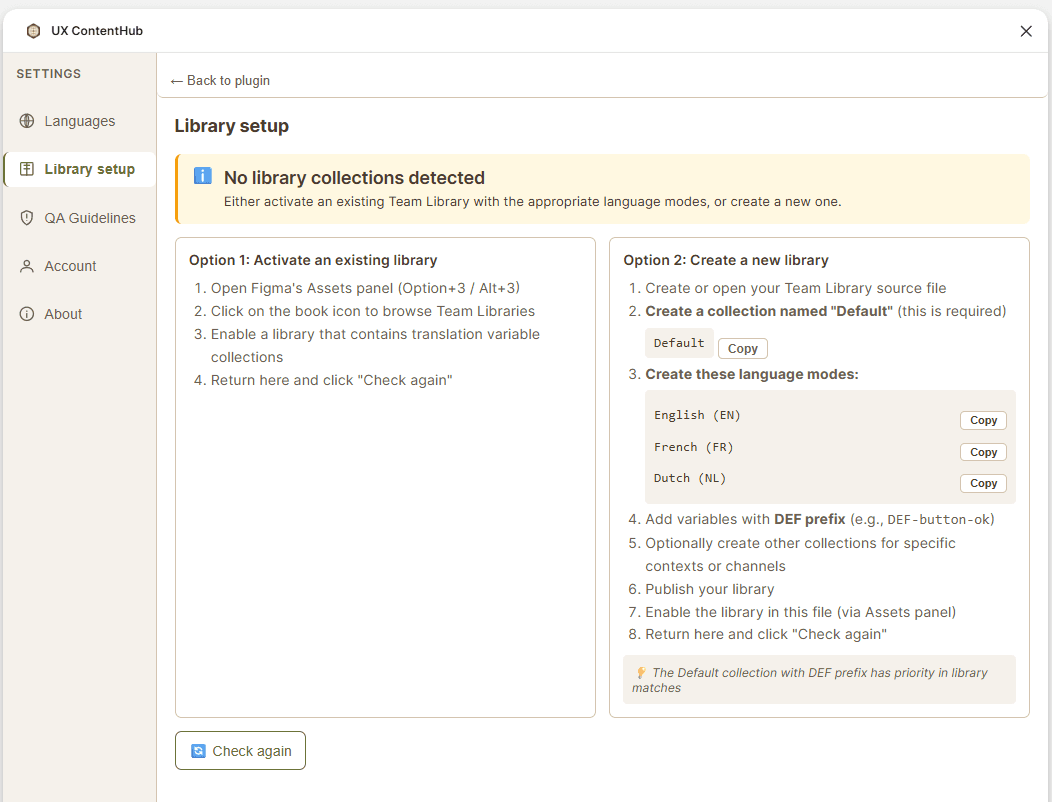
Open Figma's Assets panel (Option+3 / Alt+3)
Click the book icon to browse Team Libraries
Enable the library that contains your translation variable collections
Return to UX ContentHub and click Check again
Option 2 — Create a new library from scratch
If you're starting from zero:
Create or open your Team Library source file in Figma
Create a collection named Default (this is required — the DEF prefix has priority in library matches)
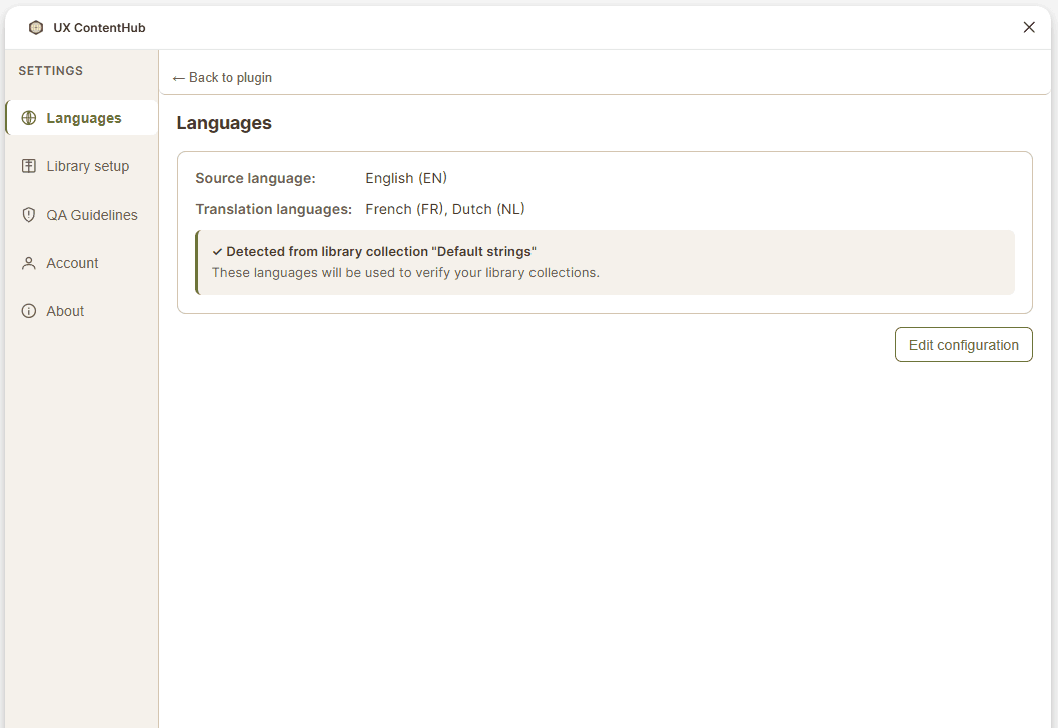
Create the language modes matching your configured languages (e.g. English (EN), French (FR), Dutch (NL)) — you can copy the exact mode names from the Library setup screen under Settings
Add your first variables using the DEF- prefix (e.g. DEF-button-ok)
Optionally create additional collections for specific contexts or channels
Publish your library via Figma's Assets panel
Enable the library in your working file
Return to UX ContentHub and click Check again
What happens after detection?
Once UX ContentHub detects your library collections, Step 2 shows them as configured and you can move on to Step 3 — Manage variables to start importing, exporting, and syncing variables across files.
Tips
The Default collection with the DEF prefix always has priority in library matching.
You can have multiple collections in your library for different contexts (e.g. one per product or channel).
If you're working in a local file without library access, you can still use UX ContentHub with local variables only — Team Library features will be unavailable until a library is connected.